



Samsung Galaxy Tab S11 Ultra 14.6-Inch Rugged Case with Adjustable Hand Strap
- Compatibility: Galaxy Tab S11 Ultra 14.6 Inch (Model Number: SM-X930, SM-X936B).
- Full Protection: Shock-absorbing silicone shields against drops and bumps.
- 360° Stand & Hand Strap: Rotate freely for portrait or landscape with a secure grip.
- Flexible Viewing: Three angles for typing, watching, and video calls.
-
S Pen Ready: Built-in slot keeps the pen safe and handy.
- Easy to Maintain: Dust-resistant, stain-resistant, and simple to clean.
- Complete Set: Comes with shoulder strap and two frame options (with/without screen protector).
| Compatible with | Samsung Galaxy Tab S11 Ultra |
| Model Number | SM-X930, SM-X936B |
| Features | 360° rotatable hand strap, stable stand, detachable shoulder strap, screen protector, pencil holder |
| Dimensions | 14.17 × 9.45 × 0.91 inches |
| Weight | 560 Grams |
Shopping for your business in bulk?
For bulk purchase, contact us for a quote
Contact us now
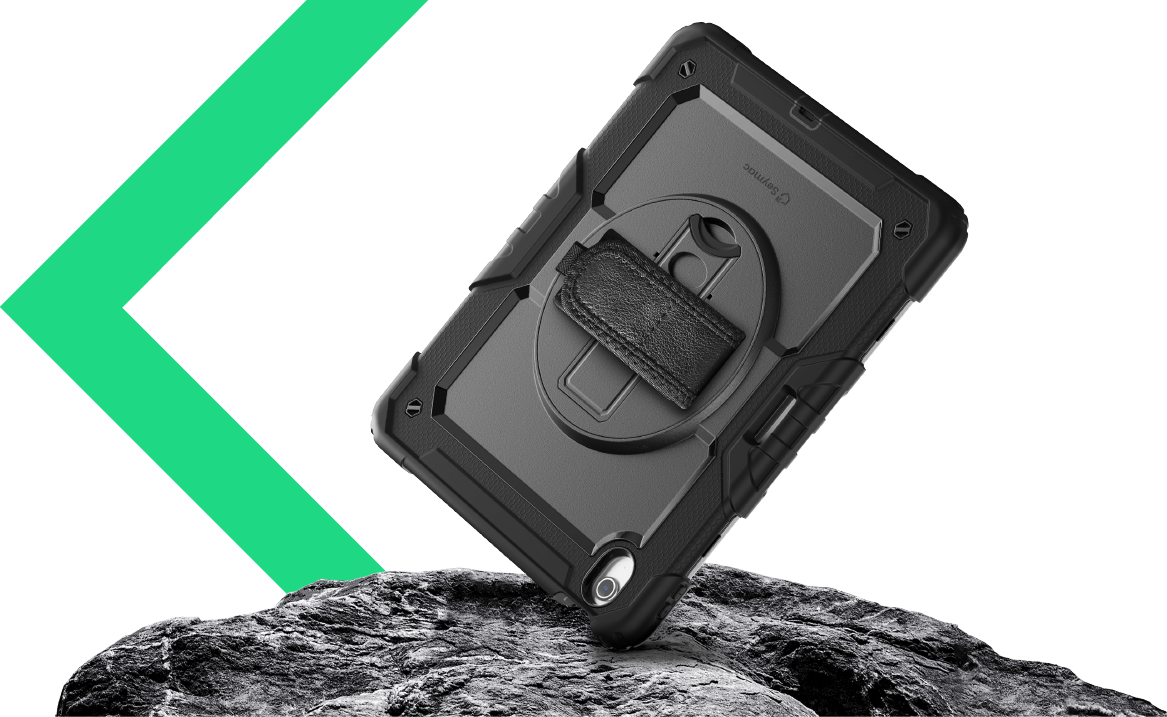
Shielding your device
Seymac case is built to elevate your experience while providing unbeatable protection for your device with 360° coverage
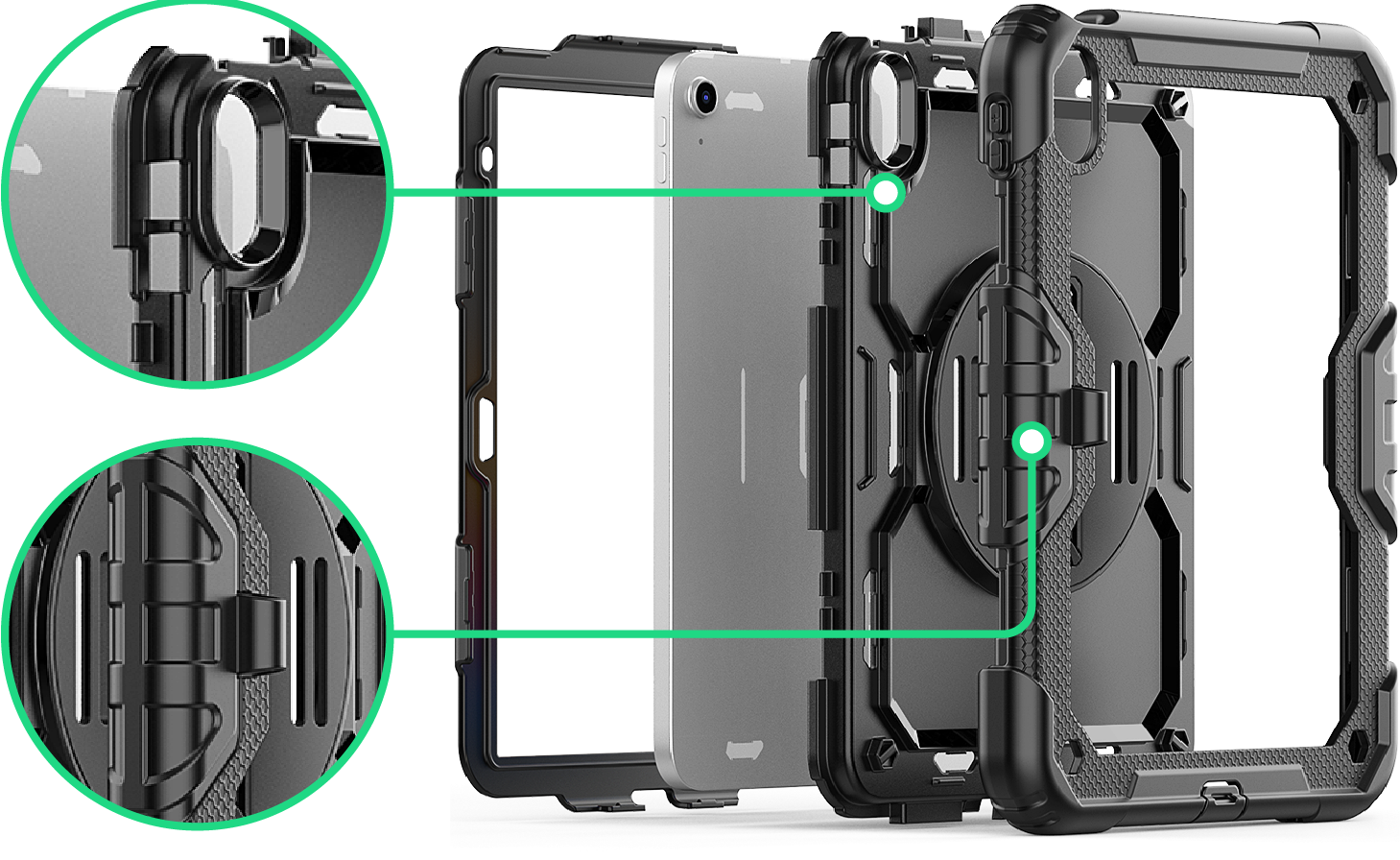
Multi Protection
The durable inner layer ensures your device stays securely in place, protecting it from external impacts, while the premium materials used on the exterior of the case provide an exceptional user experience and feel.
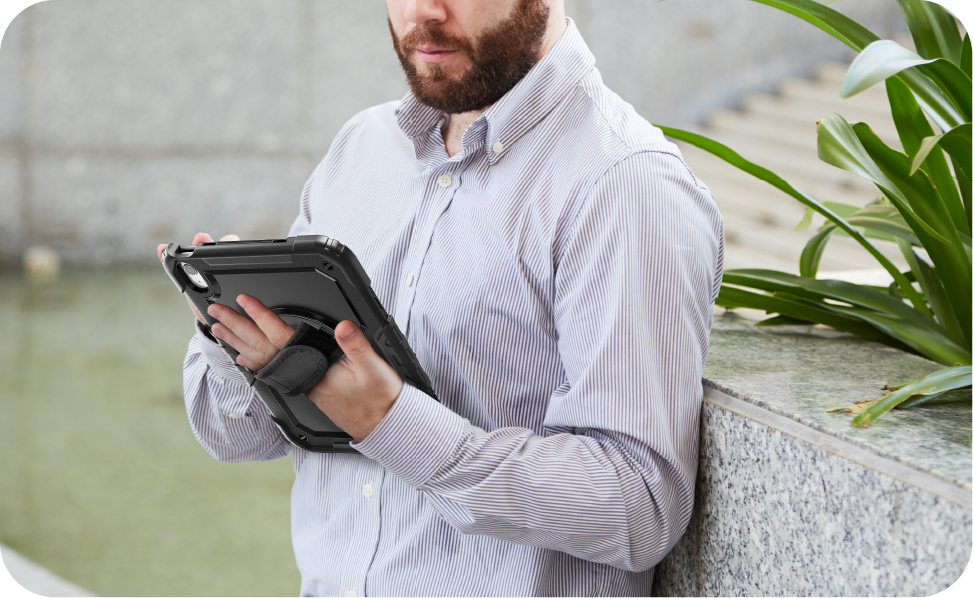
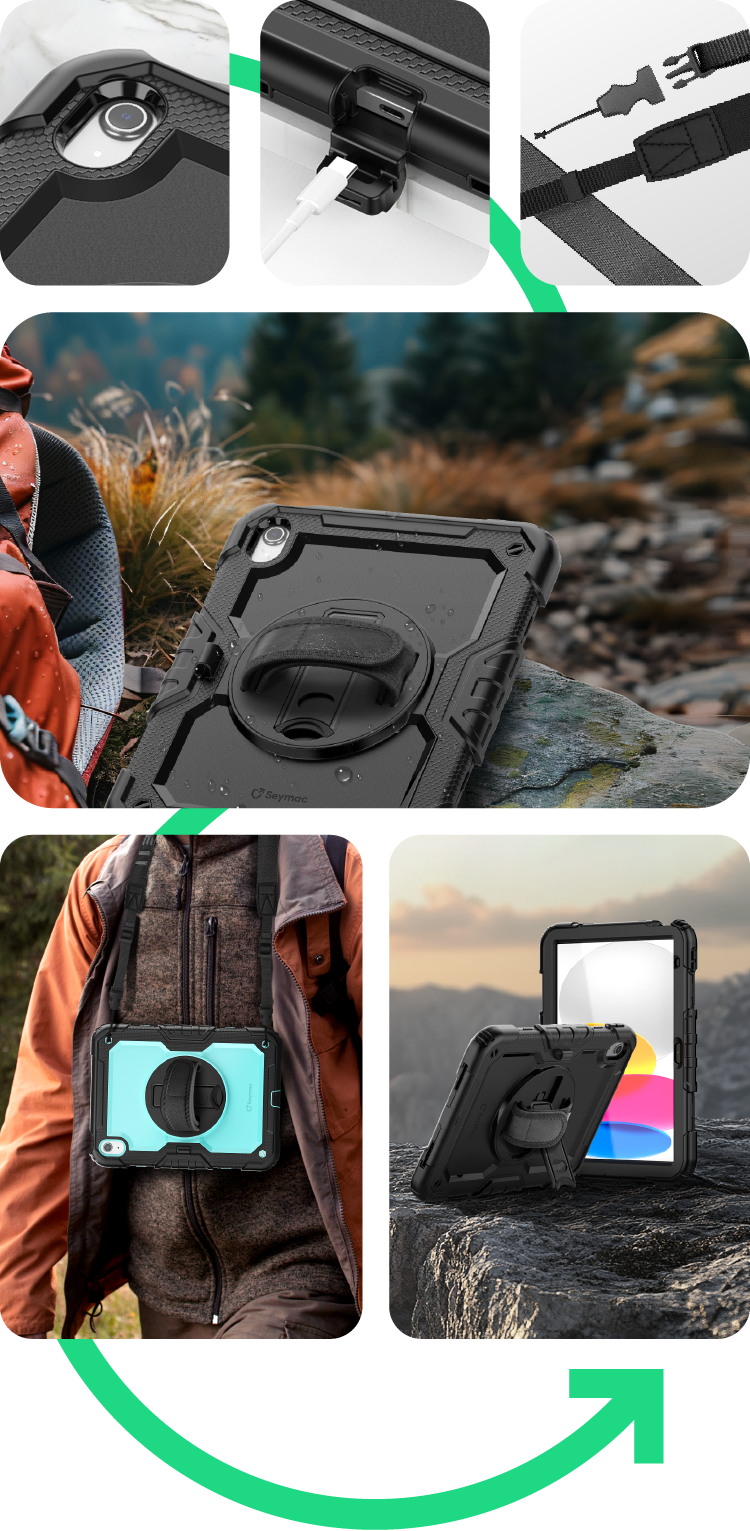
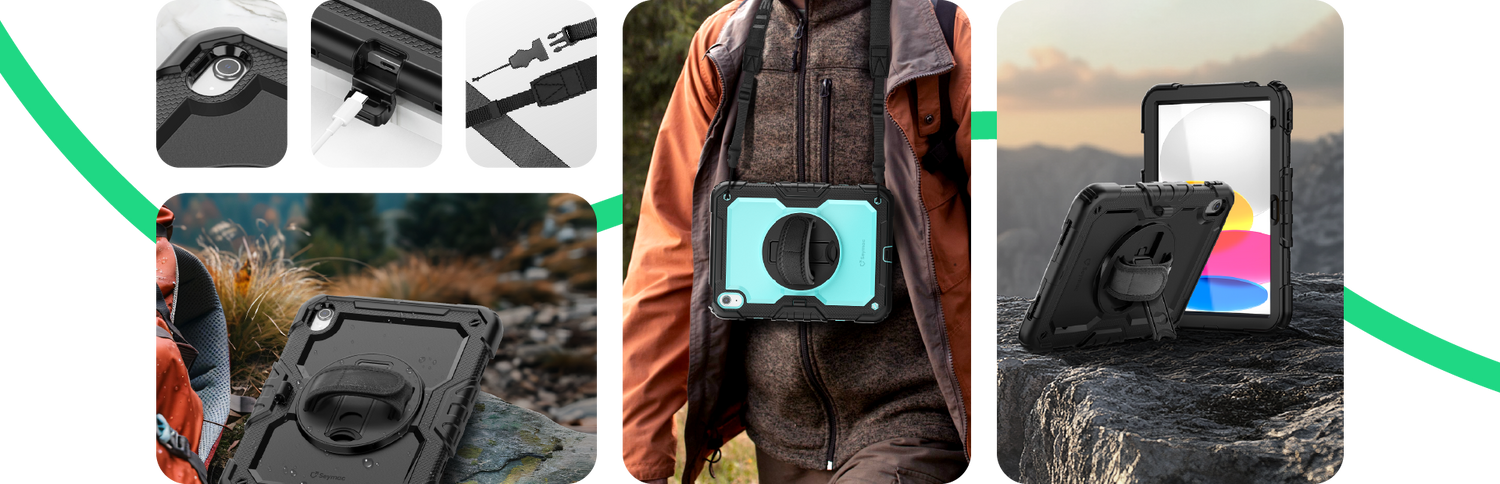
Hand strap for convenience
Feature a hand strap for adding convenience — perfect from outdoor work to home use.
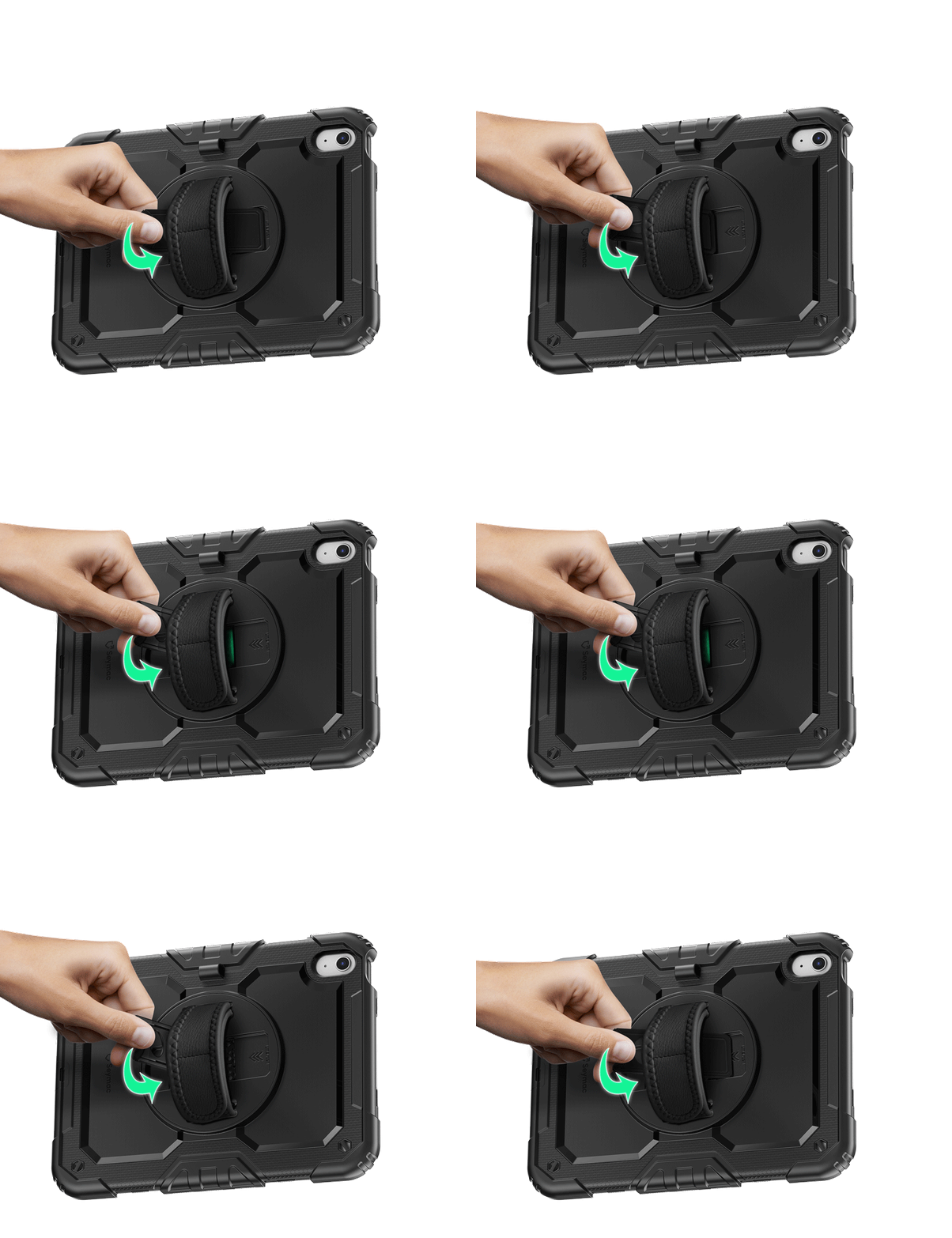
Stand fold easily
Experience ultimate convenience with SEYMAC's innovative stand folding design, crafted for stability and portability.

Refined details
We designed three usage modes based on your needs and feedback. This versatile utility is another way we provide cases for every situation.
FAQs
Silicone-S features a rotating hand strap for a flexible and comfortable grip.
Silicone-G comes with a rotating handle grip for a firmer and easier hold.
Both offer reliable protection for everyday use, and the main difference is whether you prefer a strap or a handle grip.
You can check your tablet model by looking on the device itself or in the Settings app, depending on the brand.
For iPad:
There are two ways to check your iPad model:
- Check the back of your iPad and look for the model number starting with the letter A.
- Go to Settings > General > About. In the top section, look for the model number. If the number shown contains a slash “/” (for example, MY3K2LL/A), that is the part number. Tap it to reveal the actual model number, which starts with A followed by four numbers (for example, A2342).
For Samsung tablets:
- Open the Settings app.
- Tap About tablet.
- Check the Model number section.
For Lenovo tablets:
- Open the Settings app.
- Tap System.
- Tap About tablet.
- Check the Model section.
Tip:
Please confirm your tablet model before placing your order to ensure the case fits correctly.
Yes. If your device supports magnetic charging, the case includes a dedicated magnetic pencil holder. For models that do not support magnetic charging, there is also a stylus holder on the back of the case for convenient storage.