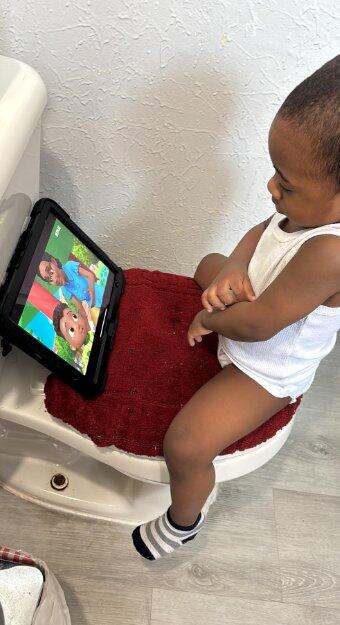
Flexible Use
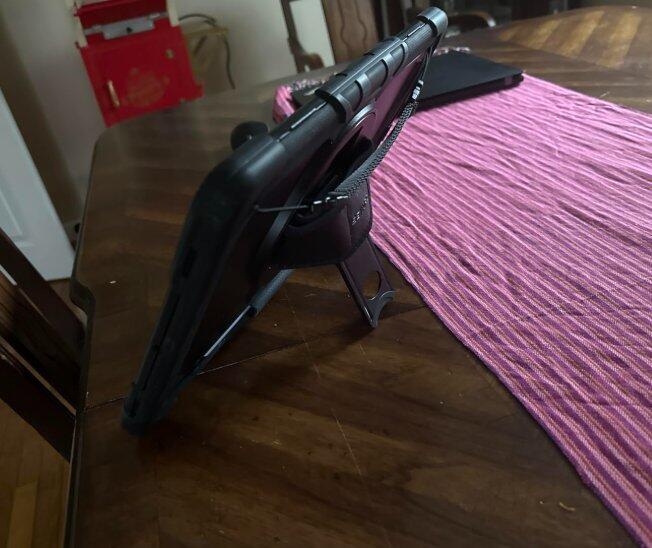
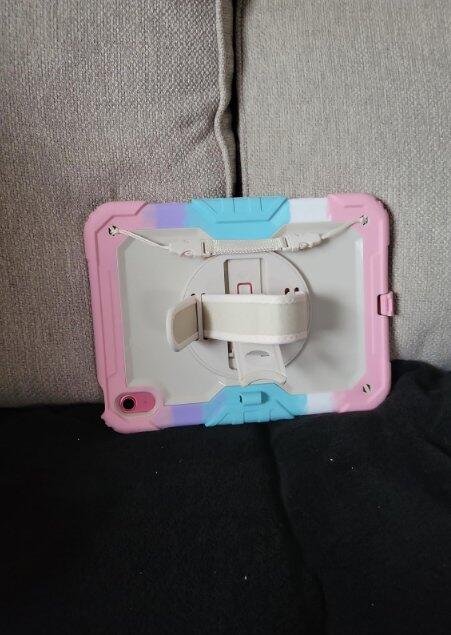
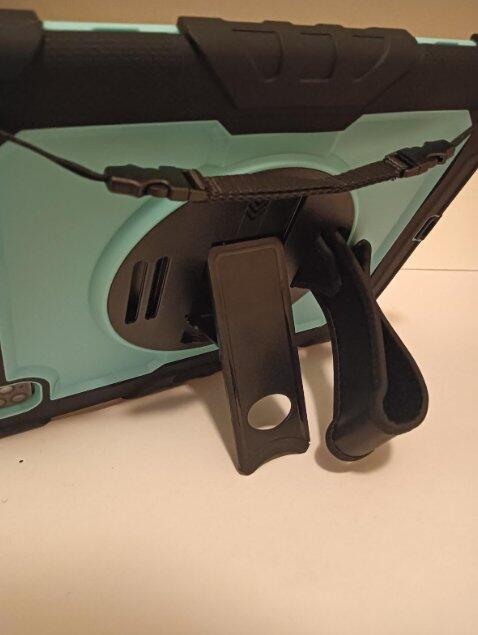
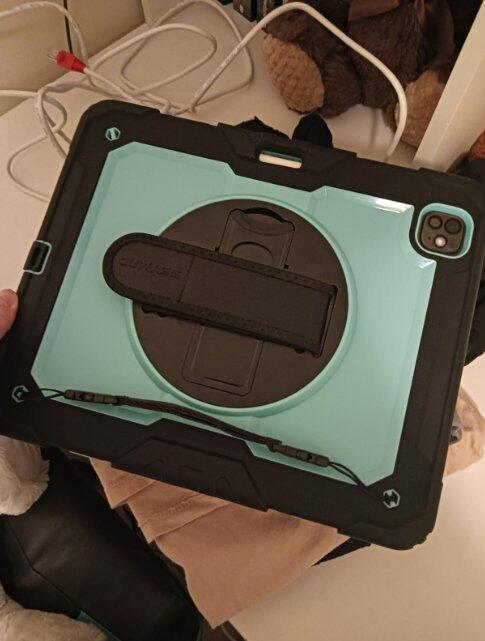
360° Rotatable Stand
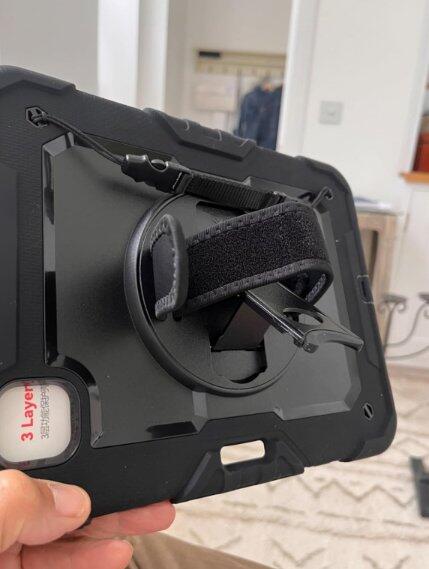
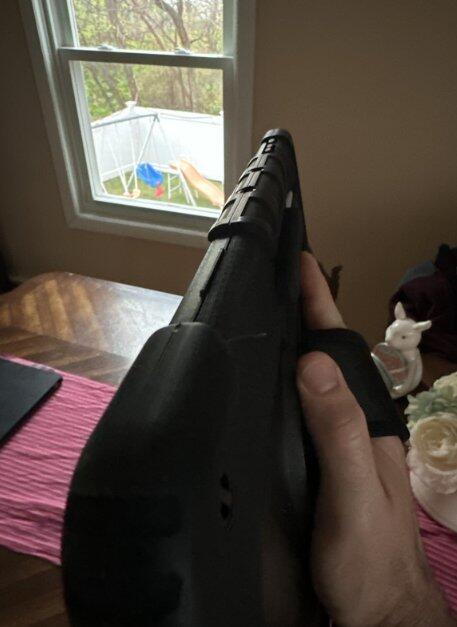
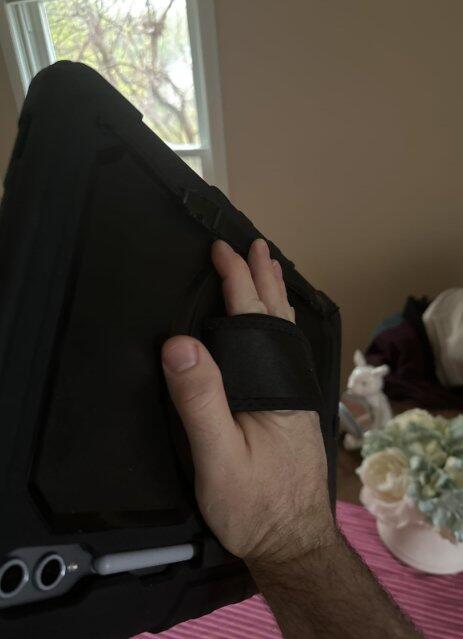
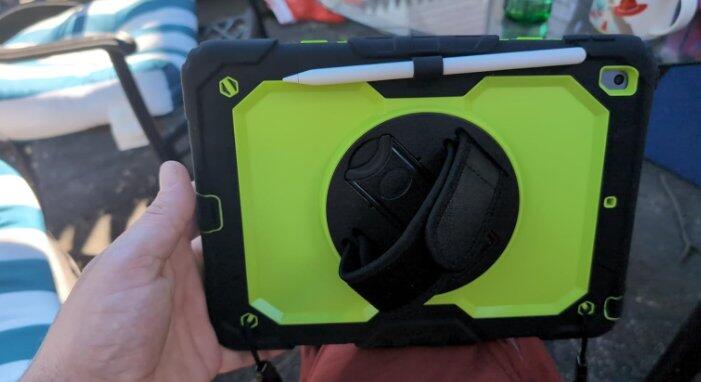
Free rotation for portrait & landscape modes. Comes with hand strap for secure one-handed grip.
Silicone-S Series
Select Device:
SKU:SDiPada16BK
Pre-orders are expected to ship by October 23.
Our heavy-duty rugged iPad case delivers all-around drop defense for daily and outdoor use. Shock-absorbing silicone construction, reinforced corners, dual interchangeable front frames and 360° rotating stand with hand strap work together to protect your iPad. It supports multi-angle viewing and comes with a shoulder strap for convenient on-the-go use.
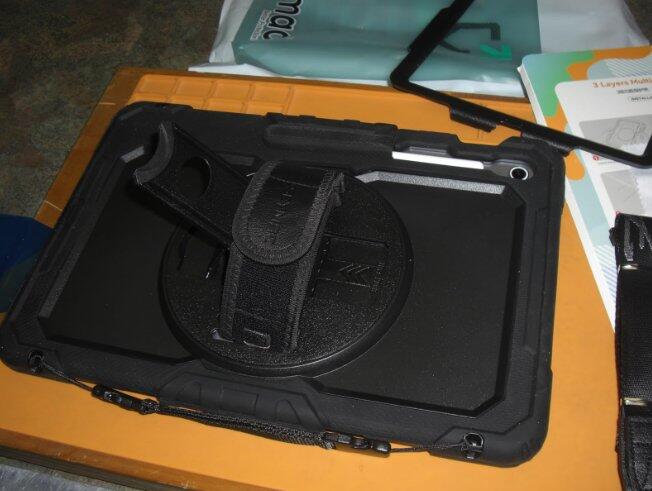
360° Rotatable Stand & Hand Strap: Freely switch between portrait and landscape modes. 3 adjustable angles for typing, video calls and media watching.
Heavy-Duty Shock Absorption: Shock-absorbing silicone cushions bumps and accidental drops. Reinforced edges shield your iPad from daily impacts.
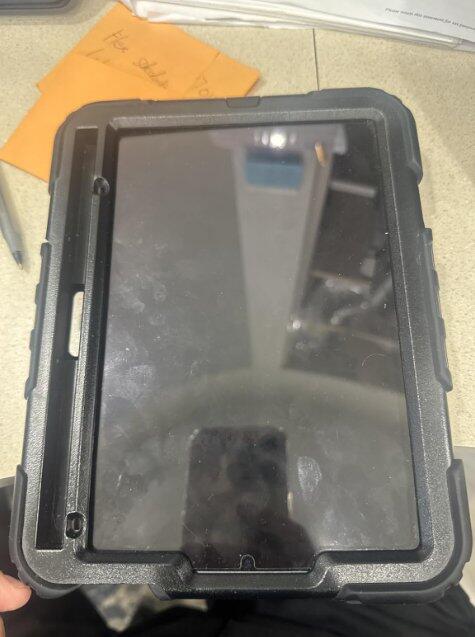
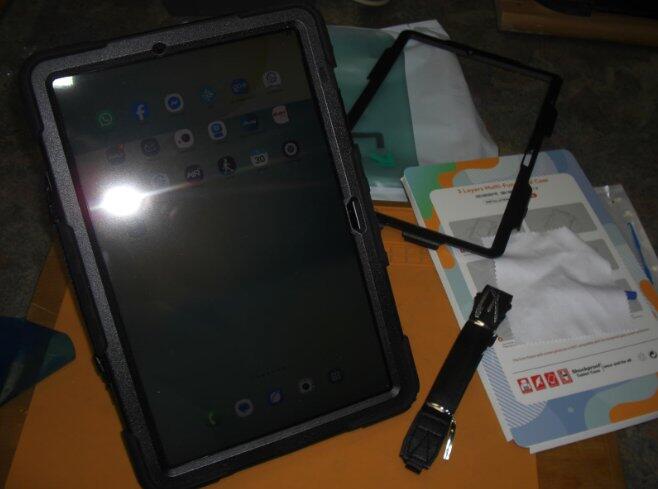
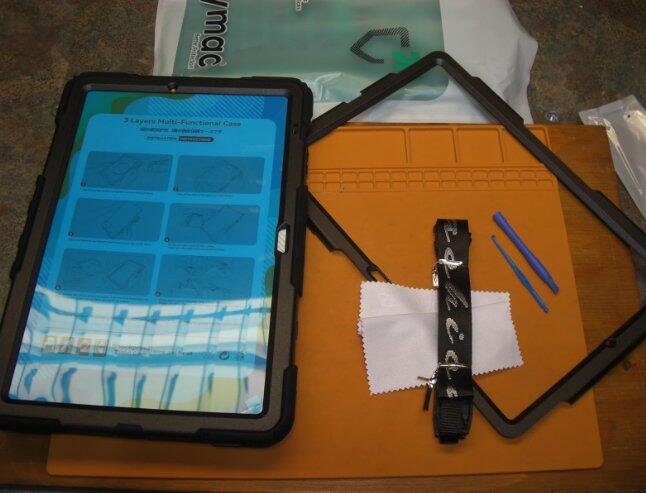
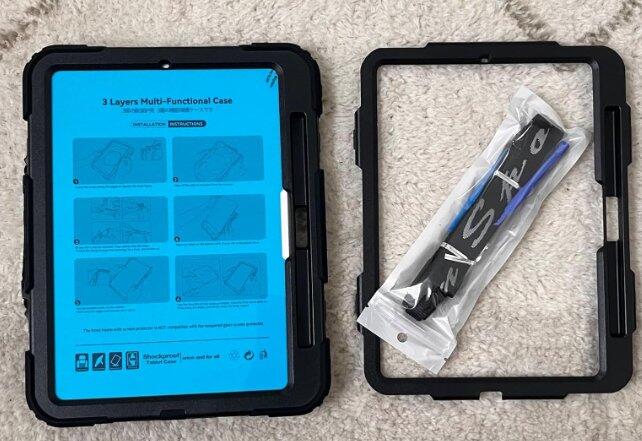
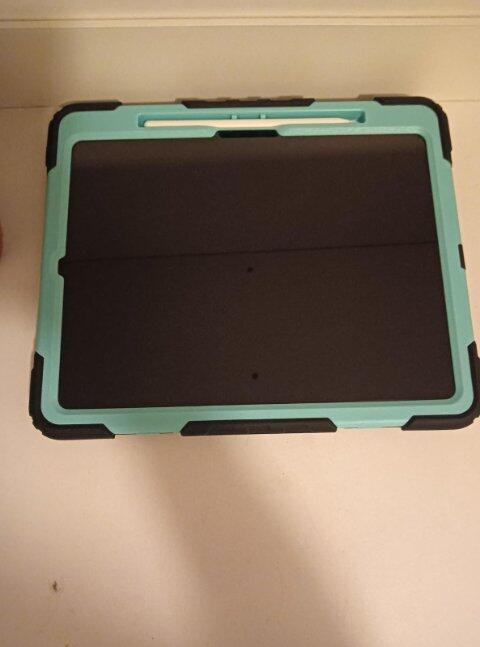
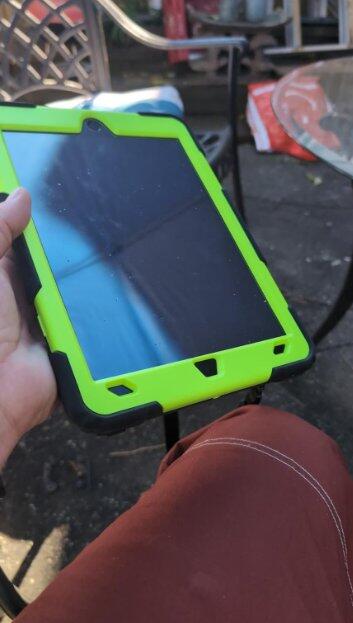
Dual Interchangeable Front Frames: Two included bezels — one with built-in screen protector for full coverage, and one without, perfect if you already apply tempered glass.
Stain & Dust Resistant Surface: Smooth, easy-to-wipe silicone surface repels dust and stains for simple cleanup.
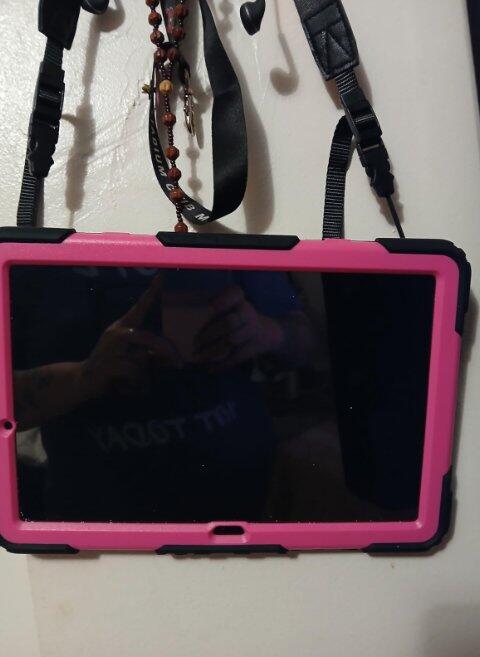
Full Accessory Pack: Includes an adjustable shoulder strap for portable carrying. All buttons, ports and camera remain fully accessible.


Flexible Use
Free rotation for portrait & landscape modes. Comes with hand strap for secure one-handed grip.


Multi-Layer Defense
Silicone bumper + rigid hard frame + front bezel work together to absorb shock and defend your device all around.


Comfortable View
Multi-stable stand positions — Typing, video calls, streaming. Find your best angle easily.


Drop Protection
Multi-layer construction absorbs impact from drops and bumps for reliable all-around protection.


This is an excellent case and is well made and worth the money
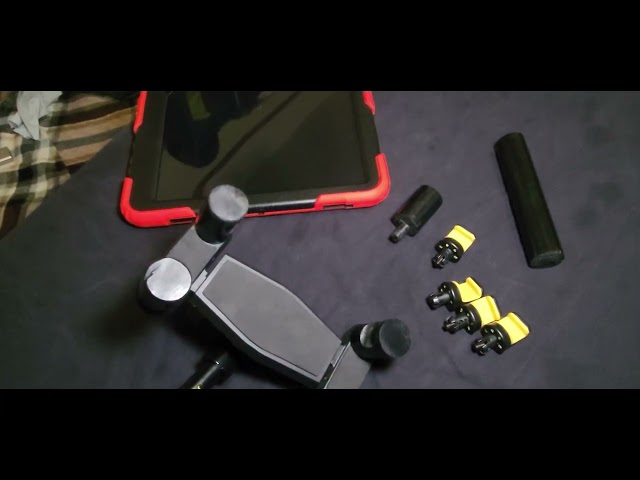
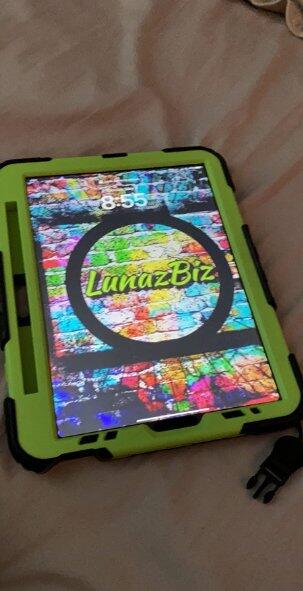
This case is perfect!! As a small business owner, I am always on the go. This case is perfect for just that, and makes such a difference! The kick stand is amazing for when watching movies or working. The strap makes it so easy to carry your iPad around without a backpack or holding it constantly. The hand strap is adjustable for comfort. It is super durable, has survived my kiddos playing with it, it’s been dropped a few times, not one scratch or break! I wouldn’t buy another case after this one, hands down.
This iPad Mini is exactly what I needed—lightweight, super portable, and powerful. I use it for reading, watching Netflix, and even replying to emails on the go. The display is sharp and vibrant, and battery life easily lasts all day. Fits perfectly in my bag without weighing me down.
Mittlerweile ist dies die dritte Hülle, die ich für mein Samsung Galxy Tab S10FE+ ausprobiere.
Diese Schutzhülle trägt relativ dick auf, das sehr schlanke Tablet sieht man hier nicht. Allerdings habe ich seit meinem Kauf des Tablets das Problem, das Riesending vernünftig in der Hand zu halten, bei dieser Größe habe ich mir bisher beholfen, indem ich das Tablet zwischen Ellenbeuge und Affengriff eingeklemmt habe; nicht sonderlich handhabbar.
Mit der hintern anpassparen Handschlaufe funktioniert es auf einmal sehr gut, das Tab liegt gut austariert in der Hand.
Die Gummiummantelung sieht vielversprechend aus, sie ist ziemlich dick.
Da mein voriger Diplayschutz durch mehrere Korrekturen nicht mehr so cool aussah, habe ich diesen entfernt und versuche es mal mit dem mitgelieferten Displayschutzrahmen.
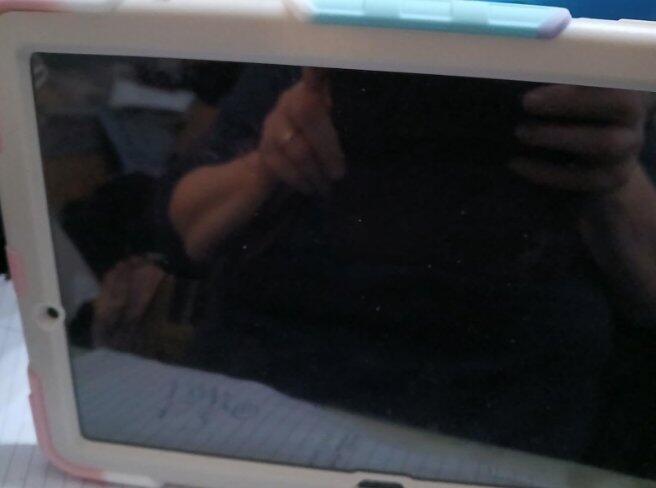
Allerdings ist auch hier das Problem mit dem staubfreien Raum (am besten im feuchten Badezimmer anbringen), denn die kleinen Staubpartikel sieht man erst, wenn es zu spät ist. Die mitgelieferte Schutzfolie war m.E. sehr leicht statisch aufladbar.
Es ist auch noch ein Frontrahmen ohne Schutzfolie beigelegt, falls andere Schutzfolien bevorzugt werden (der Frontrahmen wird in den Coverrahmen eingeklickt und dient zur Sicherung des Tablets damit es sich bei einem Sturz nicht aus dem Rahmen lösen kann).
Trotzdem passt alles, die Kameras hinten und vorne werden durch die Hülle nicht beeinträchtigt.
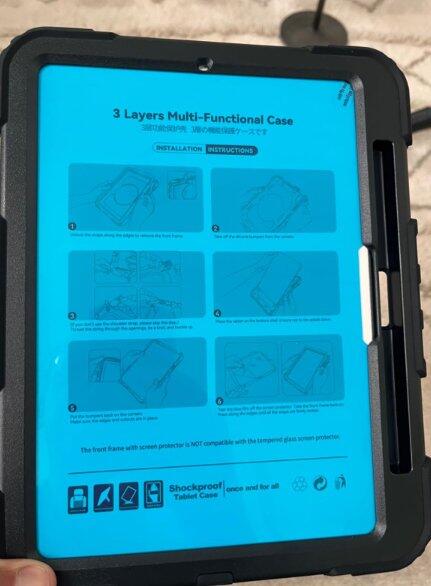
Das Installationsvideo auf der Artikelseite ist informativ, besser als die bebilderte Anleitung.
I used the product as a shock proof barrier and standing/hanging case for the tablet, it works well for all these things. The screen protector helps it not get scratched, rubber helps to cushion falls, the only thing i find fiddly is moving rubber out the way to charge it. But that is small price to pay to keep the tablet safe.
This is a great case, it is designed to allow you to customise how you use your iPad and is constructed using high impact plastic which should offer you great confidence when using outdoors or when travelling. Wry easy to grip, the rotating frame is integrated with a palm handle and kick stand. I am not sure how I will use it long term but like the flexibility the various options give me. I didn’t fit the shoulder strap but it will be easy to add later.
I have always preferred a built in screen protector, although my last case with one had issues with scratches after 18 months but even here you have an option to replace the cover.
Fitting is not as easy as some cases but if you follow the instructions and don’t hurry it’s not hard to do, the results are great, the pad is well protected and fitted into my messenger bag easily even with the added bulk. I travel a lot and this case gives me confidence. It’s easy to grip and looks brilliant. Price is good for what you get.
Case fits perfectly. Comes with screen protector or extra front cover if you had one already installed,( which I did). I’ve used it now for a few weeks and it’s been great. Durable, hand grip is comfortable, kick stand works but may need to loosen hand strap to use. The pen holder is a little difficult to get the pen out but I can manage. I love how the hand strap on the back swivels 360.
This definitely is a good buy as the stand in back is very sturdy and the case itself feels like definite safety against dropping.
It's pretty and efficient. Delivered quickly too
This is the first case for an iPad I've ever bought, when watching reviews on the m4 13inch iPad pro there was alot of talk about how thin it is which made me worry since it is not cheap and I'm a bit clumsy, I worried about dropping it. So reasonably I went searching for a solution and that search winded me up here with this product.
I liked that there were simple instructions included for installation, so even a silly lad like me who's never installed a case can figure it out through fiddling around. It is firm when it's all in place. If you hold it by the strap on the back (which is adjustable) it does not come apart even after a couple experimental shakes upside down. It also didn't have any issues with the screen protector I put on it beforehand.
Additionally with the strap you can pull it out and behind it there's a stand which is also quite steady on a flat surface and doesn't wobble around like crazy when I draw on it. Yay 💜
The extra weight makes me especially happy, the iPad on its own is astonishingly light like your holding a mere children's toy instead of a 2-3k device, the case adds both more bulk and weight and basically just makes it feel more secure and like your holding something of worth, as someone who used a more bulky iPad version before it is a win for me. The buttons also all work as intended.
I chose the light blue & black case, and I'm glad I did. The colour is very nice to look at, there are other colors too. I kinda wish apple pencils were sold in black as well so it could match with the case!
Lastly, since I mentioned apple pencils- the pen holder is also pretty decent. There is a hole on the back where you can push the pen out with your finger. However you may need to push the pencil in and out a couple times in different angles to get it to charge but it's not too bad.
All in all I'm quite happy with what I got, I never ended up attaching the shoulder strap but that's optional anyway. I haven't gotten a chance to test how the iPad and case will deal with a fall, but I guess I'll find that out eventually when I inevitably drop it one day(hopefully never, but with my record of dropping things I doubt it, lol!) but I'm sure she'll be right.
The durability and sturdiness is amazing not to mention it was worth the money
Very cool an heavy but it fit protection work really well my son keep stoning his tablet down an Stan on it really protects from broken scratc resistance too
Do you still need to put a screen protector on?
Our protective case comes with two front covers, one with a protective film and one without.
If your tablet already has a protective film on, you don't need to use the front cover with the film, as it may affect touch sensitivity.
Will this fit an iPad A16
Yes, this case is designed for iPad A16.

We deliver to over 80+ countries, bringing your favorite products right to your doorstep.

Enjoy 30-day returns with no questions asked, making your shopping completely worry-free.

All Seymac products purchased through authorized channels have limited warranty from the date of packaging delivery.